 HobbsStatusGet a demo
A schedule that knows your rules — and a training record that keeps itself.
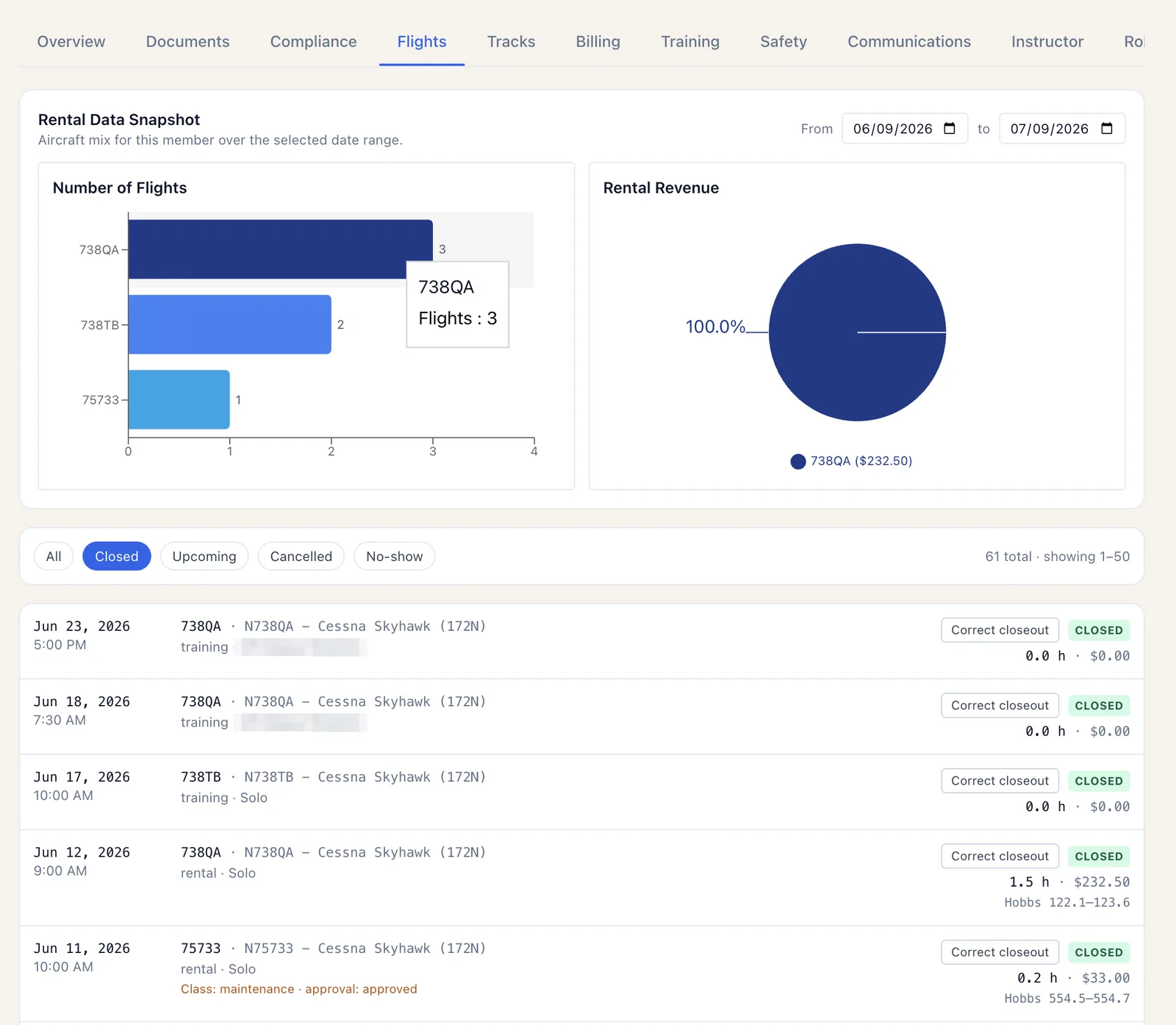
Day, week, and month views across the whole fleet with eligibility checks baked in, dispatch, ACS-aligned training records, instructor availability and payouts, billing, and a native iOS & iPad app members actually use.
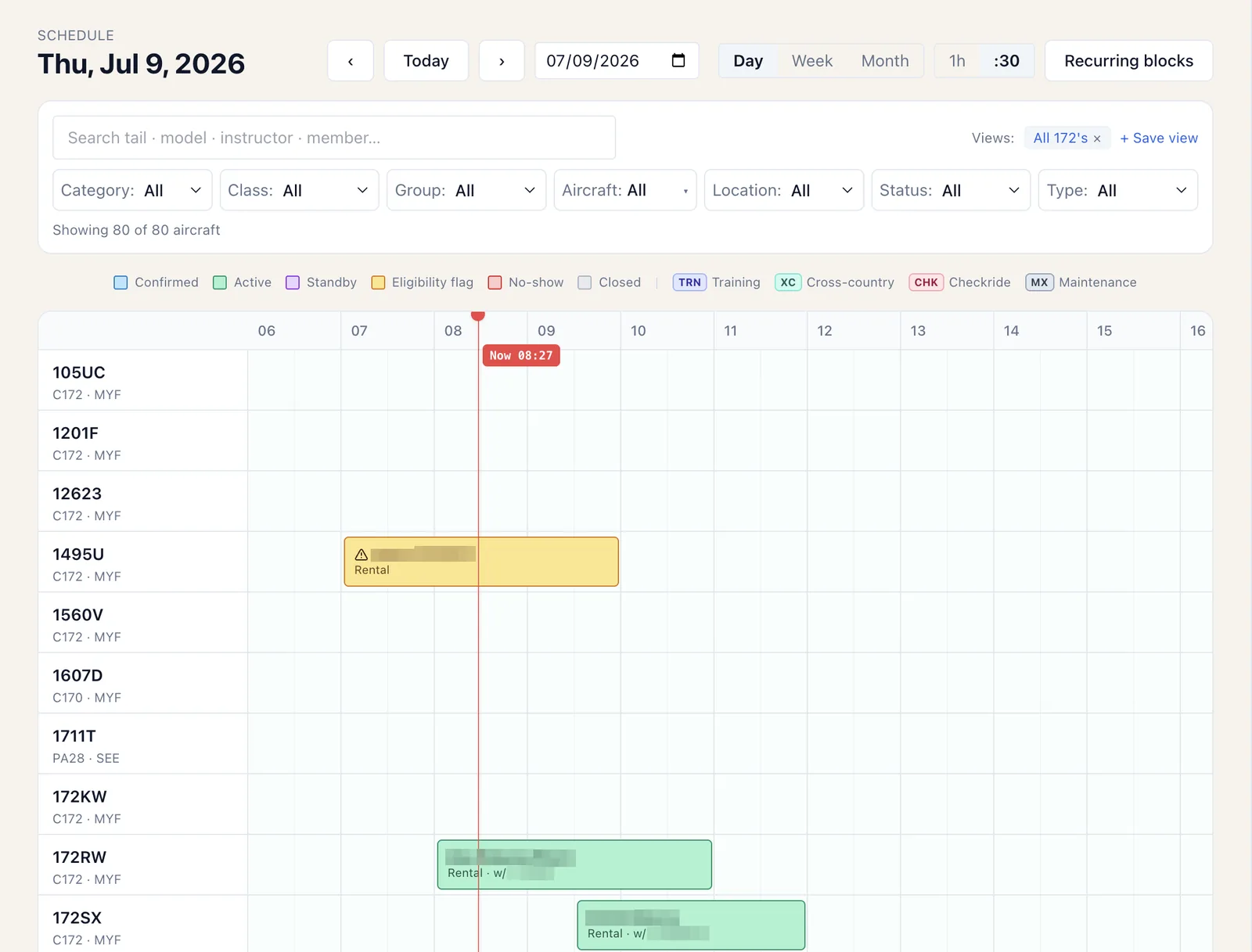
Eligibility on the booking, not in a binder.
If a member's flight review lapsed or a required document is missing, the schedule flags it before the flight, not after. Saved views, recurring blocks, and training / checkride / maintenance reservation types keep the grid readable at a glance.
- Fleet-wide day / week / month views with a live now-line
- Booking-time eligibility: currency, documents, checkouts
- Recurring blocks, standby, and no-show handling
- Saved views for the front desk and per-member schedules
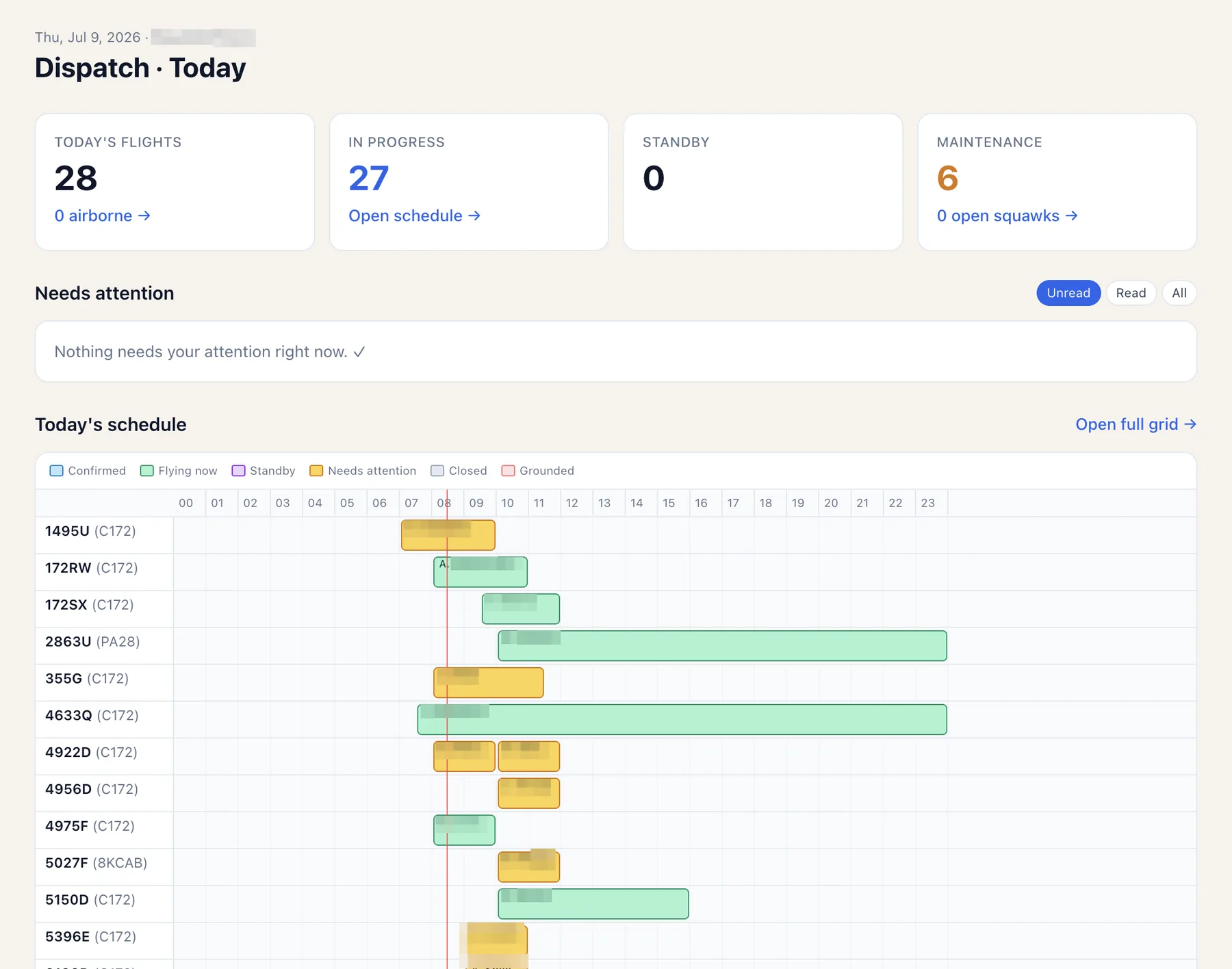
The day, on one board.
Who's flying, what's in progress, what needs attention, and which aircraft are down — the front-desk view that ties scheduling, maintenance status, and open squawks together in real time.
- Today's flights, in-progress rentals, and standby at a glance
- Needs-attention inbox for the exceptions
- Open squawks and maintenance status inline
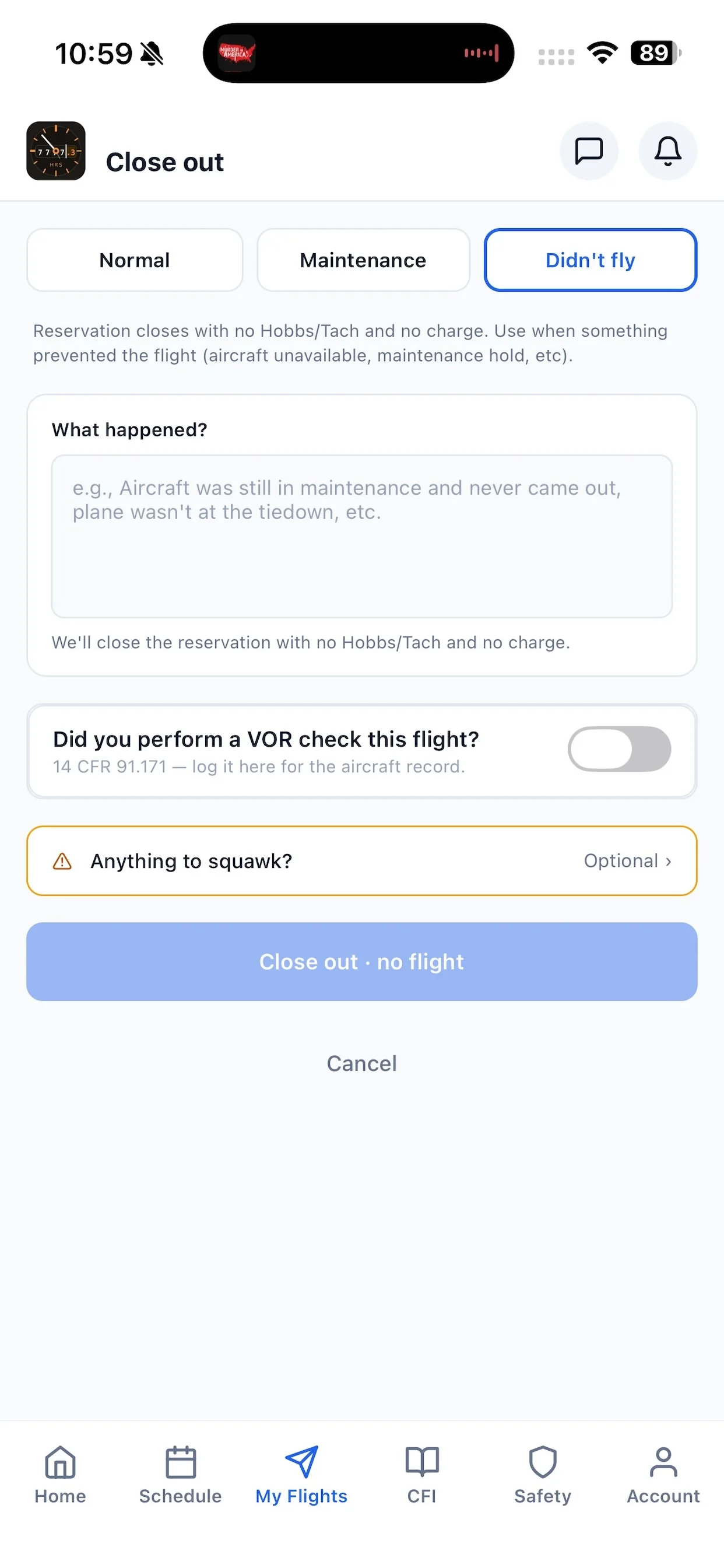
- Closeouts that roll hours forward everywhere else
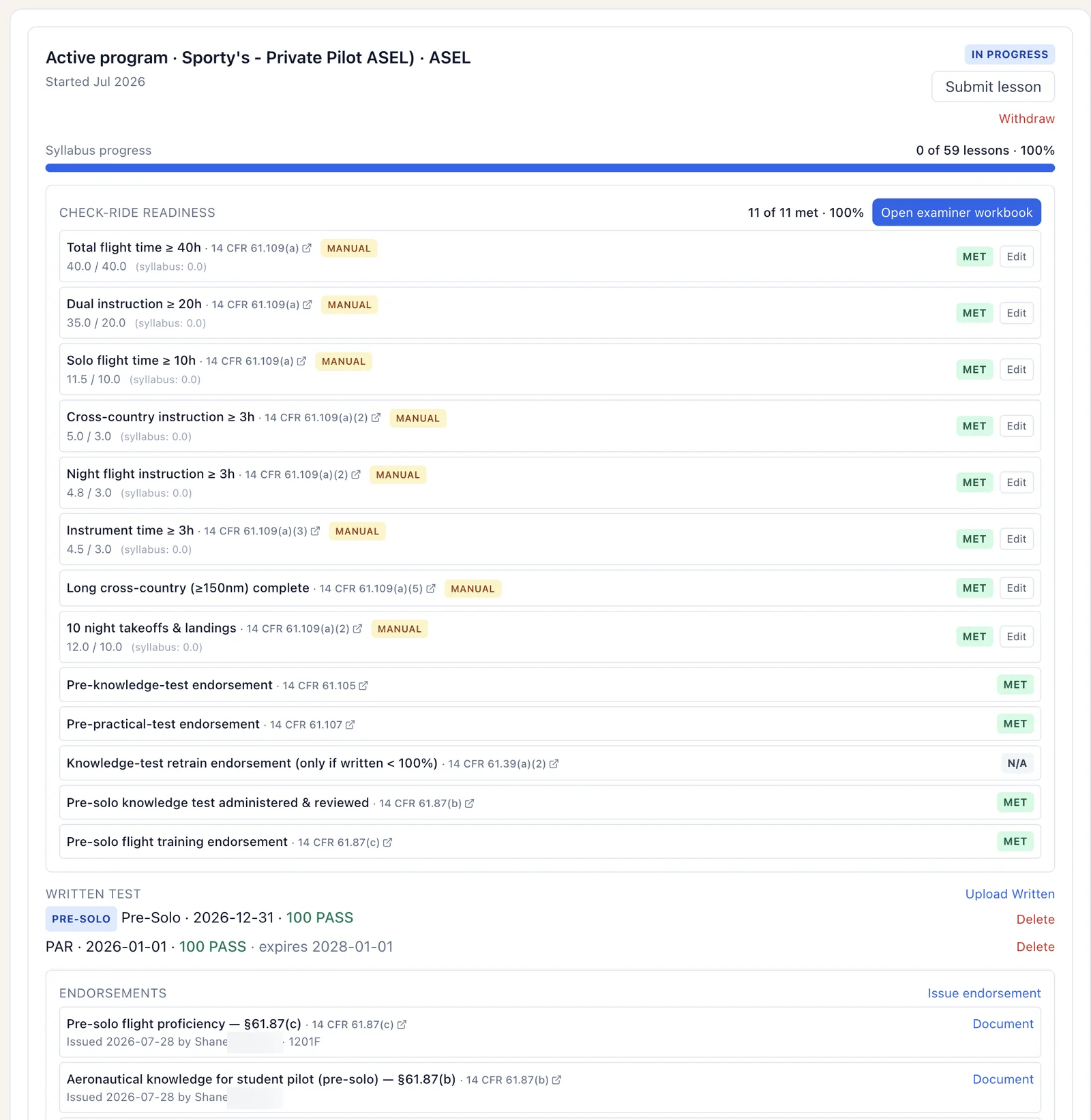
ACS-aligned progress that fills itself in.
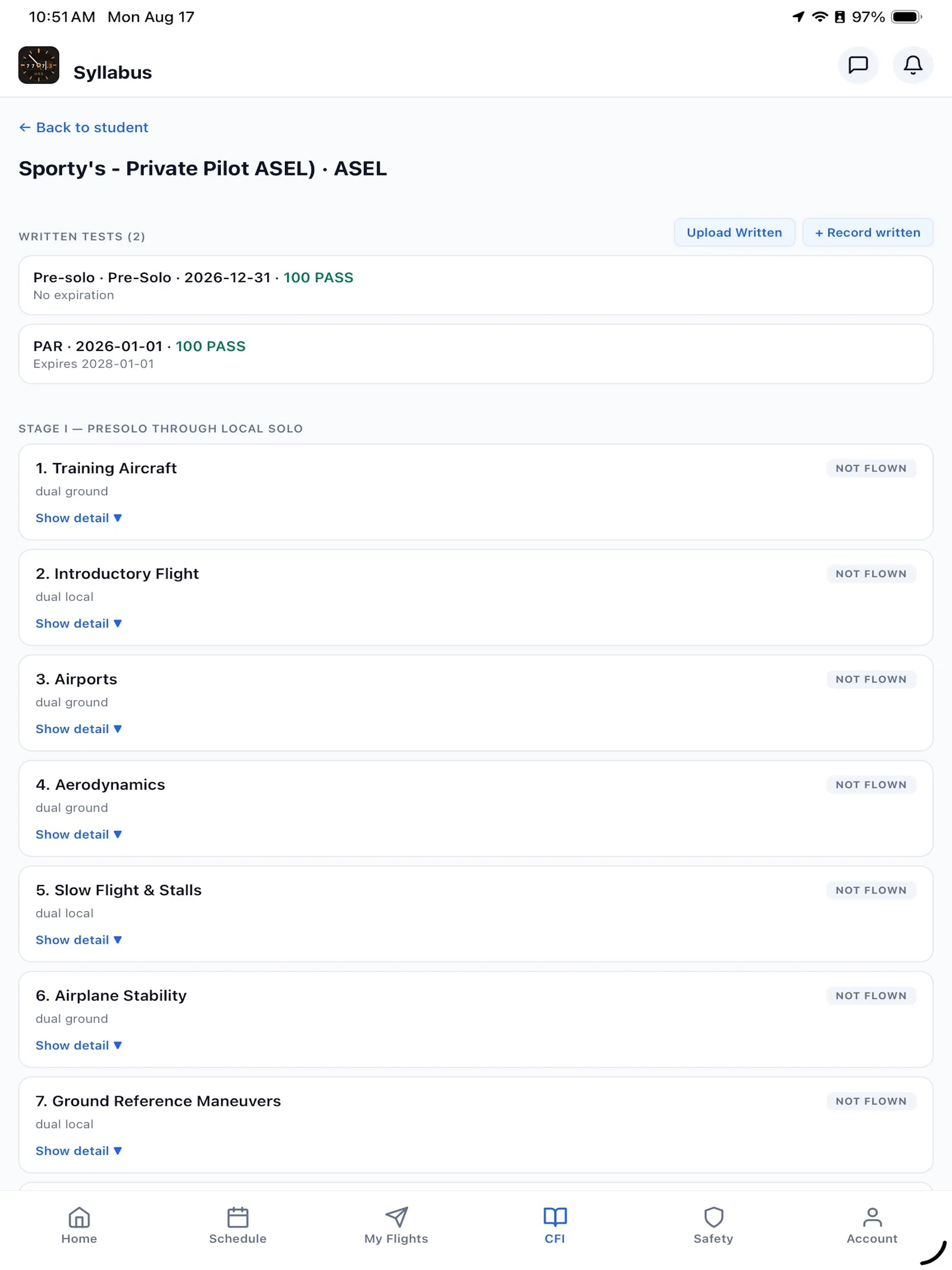
Syllabi mapped to the ACS, lesson records, endorsements, and stage checks — Part 61 and Part 141 friendly. A student's progress, flight history, and billing live on one profile, so a CFI's notes and the next lesson are never in a separate app.
- ACS-aligned syllabi with per-lesson tasks and standards
- Student progress, endorsements, and stage checks tracked
- CFI notes tied to the reservation and the record
- Certificates, medicals, and flight reviews enforced at booking
From availability to payout, and rates to statements.
Instructors publish availability and take requests; payouts compute from the flights they actually taught. Members carry a balance, pay by card, and the books stay straight — hourly rates, dues, surcharges, fuel reimbursement, and owner statements, with QuickBooks sync.
- Instructor availability, requests, and computed payouts
- Member balances, card payments, dues and surcharges
- Leaseback owner statements from real usage
- QuickBooks sync so the books reconcile themselves
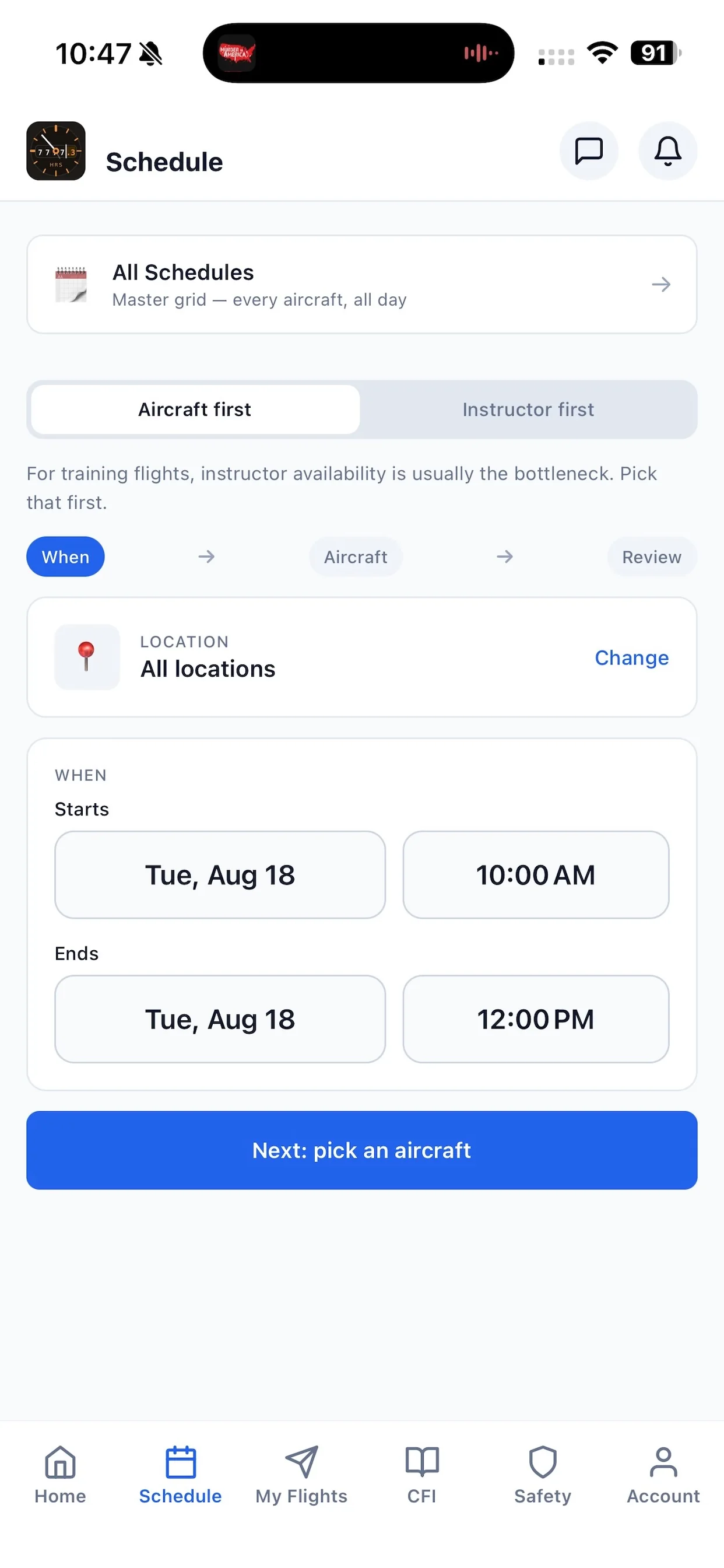
iPhone and iPad, not a shrunk-down website.
Members book, close out flights, upload documents, report squawks and safety items, and read club news on a native iOS and iPad app. Onboarding runs cross-platform — an applicant can start on the web and resume in the app, reading and writing the same records either way.
- Native iOS & iPad app for the whole member experience
- Camera document capture, biometric login, push notifications
- Cross-platform onboarding: start on web, finish in the app
- Deep links from email and SMS open the right screen
The front-desk details.
See Hobbs on your fleet.
Book a walkthrough and we'll show you Hobbs with your aircraft, your rules, and your data.